Open GameLauncher
All your games in one launcher.
Steam, Epic, GOG, Xbox, Minecraft, Roblox and your own games in one fast, good-looking library. Free, open source and completely local – no account needed.
Formerly MAZ Launcher
Everything in one place
Open Game Launcher finds your games by itself. Starting, installing and uninstalling always happens through the official clients.
10 stores in one library
Steam, Epic, GOG, EA app, Ubisoft Connect, Battle.net, Amazon Games, itch.io, Xbox and Roblox – always started through the official app.
Every game, installed or not
Your whole Steam and Epic library – install a game with one click, uninstall it just as easily.
Minecraft with mods
Mods, resource packs, shaders and data packs from Modrinth and CurseForge – installed with one click. NoRisk Client profiles start straight from your library.
Free games with a countdown
See what's free on Epic and Steam right now and how long the offer lasts.
Errors explained in plain words
If a game won't start or crashes, the launcher explains step by step what happened – with buttons that fix it.
Your look
Three layouts (OG, Steam, Epic), 20 designs, your own designs with a live editor and a background image.
Your library, your order
Tags, collections, genres, playtime and filters. Games you own twice show up once. Emulators and ROM folders too.
Your own games too
Add any game or emulator. Before every start a short checklist asks if everything important is closed.
Updates inside the app
You get a message when a new version is out and update with one click – every download is checked first.
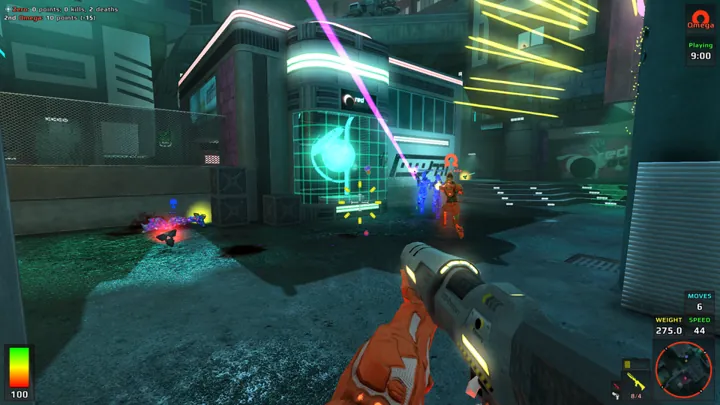
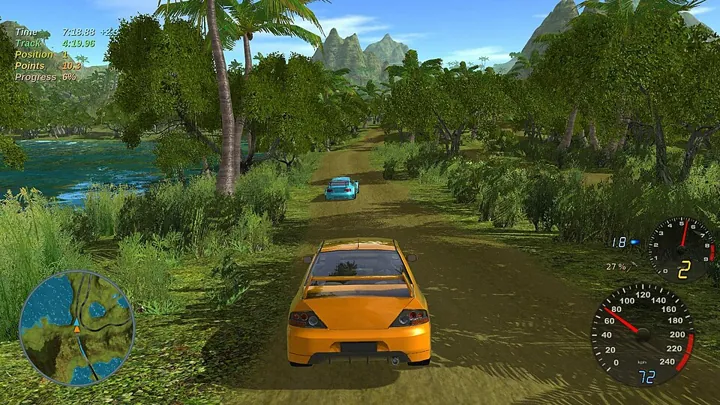
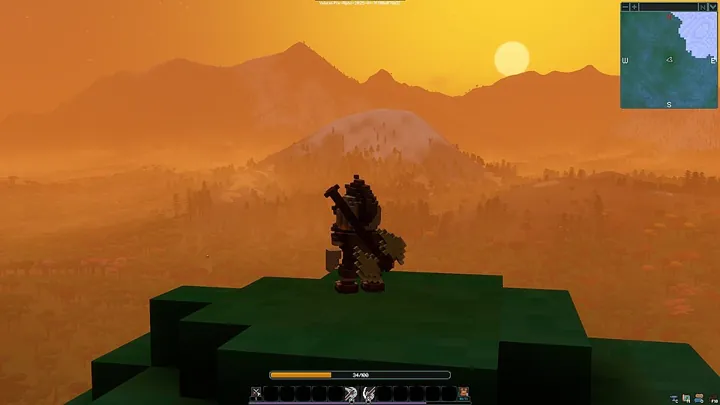
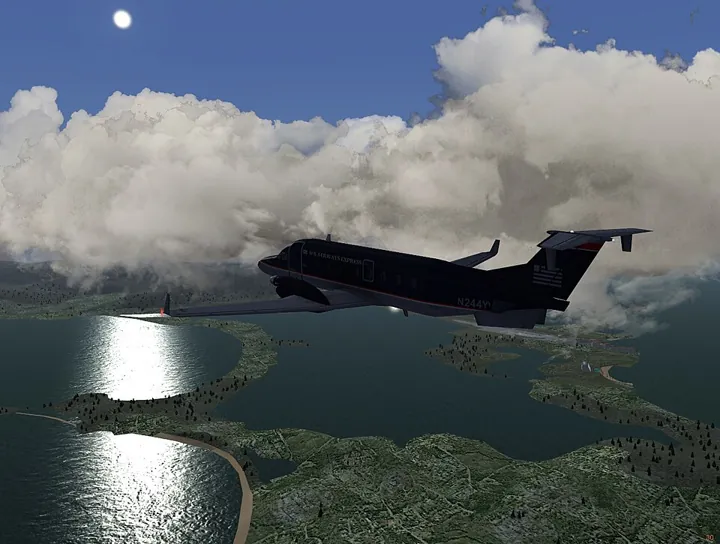
Take a look
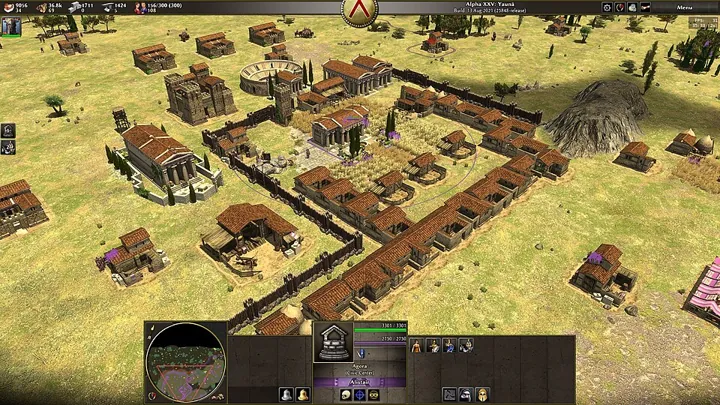
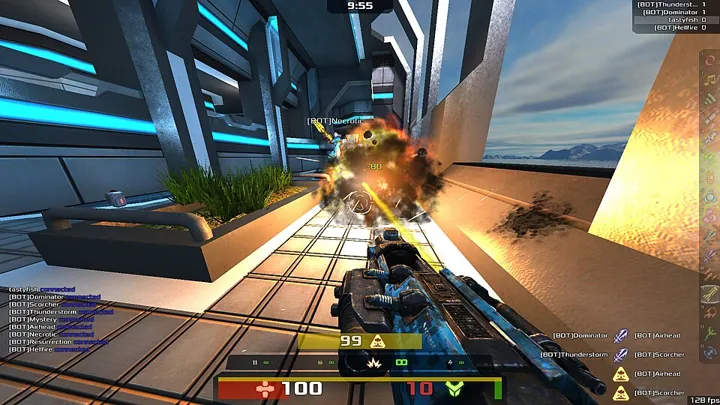
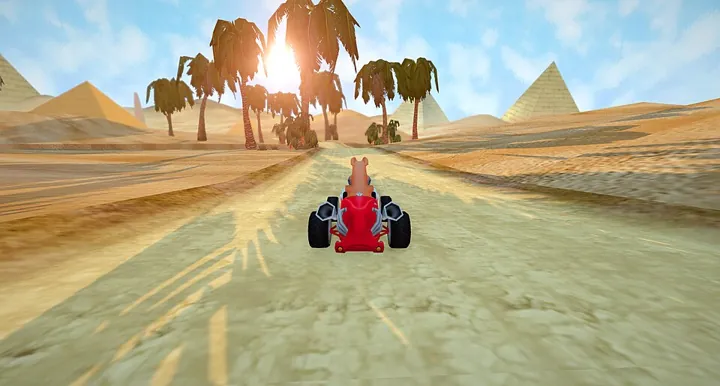
Three layouts, 20 designs – and your games always in front.
Download
Pick your system. Every file is listed with a checksum in SHA256SUMS.txt.
- Open-Game-Launcher.exe
Windows 10/11, 64-bit (most PCs)Download - Open-Game-Launcher-arm64.exe
Windows on ARM (e.g. Snapdragon laptops)Download
Double-click the file and choose "Install". If Windows shows "Windows protected your PC": click "More info", then "Run anyway".
- Open Game Launcher (.dmg)
Apple Silicon and Intel, macOS 11 or newerDownload
Open the .dmg and drag Open Game Launcher into "Applications". The first time, right-click the app and choose "Open".
- AppImage
Any distribution – make it executable and startDownload - .deb
Ubuntu, Debian, Linux Mint, Pop!_OSDownload - .rpm
Fedora, openSUSE, NobaraDownload - .pkg.tar.zst
Arch, Manjaro, EndeavourOS, CachyOS (Pacman)Download - Flatpak
Sandboxed, any distributionDownload - Snap
Ubuntu & SnapDownload
Needs webkit2gtk-4.1 (already installed on most desktops). Epic games run through the Heroic Games Launcher, Roblox through Sober.
Runs on your computer. Only there.
No account, no tracking, no ads. Your library and settings stay on your computer.
Open source
Open source under the MIT license – anyone can read the code.
No passwords
Passwords stay with Steam, Epic and Roblox – the launcher never asks for them.
Local first
Internet is only used for cover art, the free-games list and the update check.